Core purpose
Bring Search Console clicks, impressions, CTR, position, keywords, pages, devices, and countries into a single reporting surface.
WordPress.org reviewer access
This page provides a credential-free review path for Apex SEO Intelligence, including product context, installation notes, sanitized demo screenshots, Google Search Console connection flow, security/privacy details, support links, and documentation.
Apex SEO Intelligence is a WordPress admin dashboard for Google Search Console analytics. It helps store owners and marketing teams evaluate organic search performance without leaving WordPress.
Bring Search Console clicks, impressions, CTR, position, keywords, pages, devices, and countries into a single reporting surface.
Prioritize CTR opportunities, underperforming pages, quick wins, and estimated revenue opportunities.
The public live demo uses realistic sample data and requires no Google login or WordPress account.
These screenshots use sanitized demo data only. They do not include personal, client, account, email, store, or live Search Console property information.
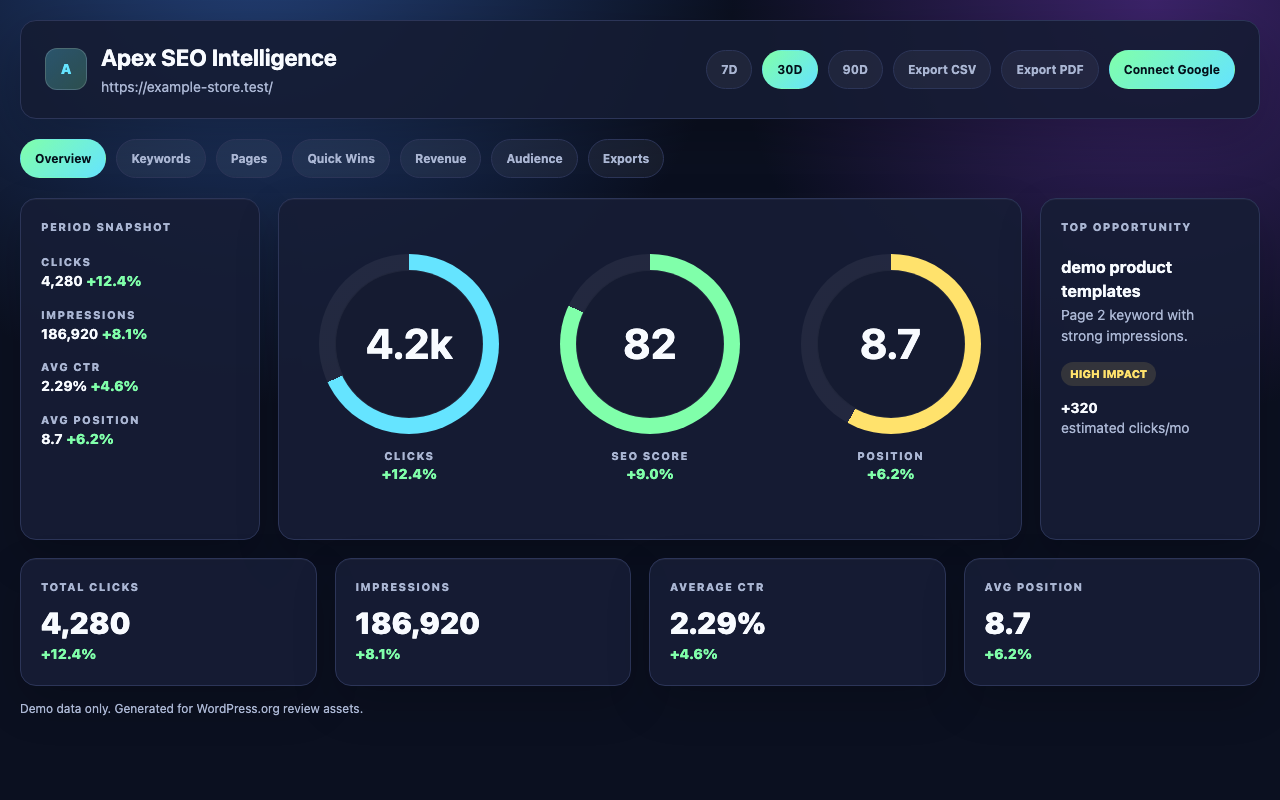
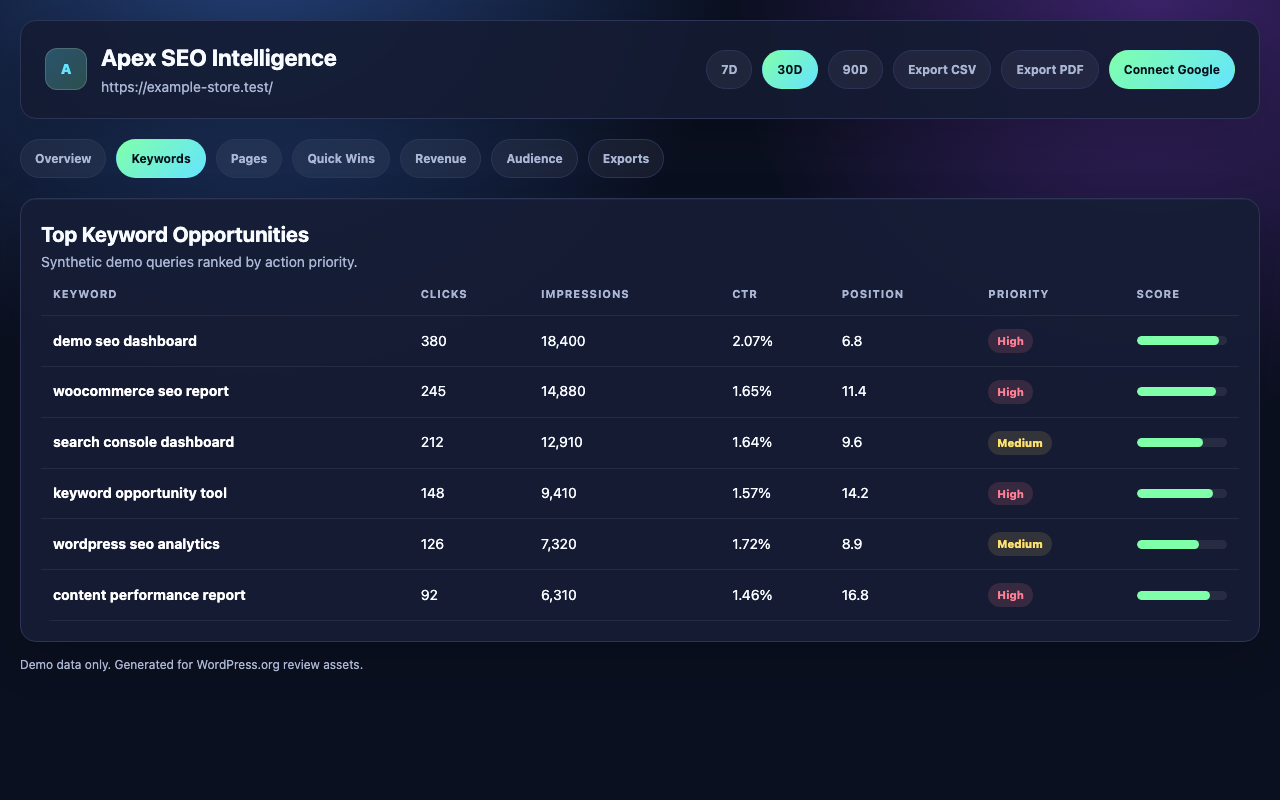
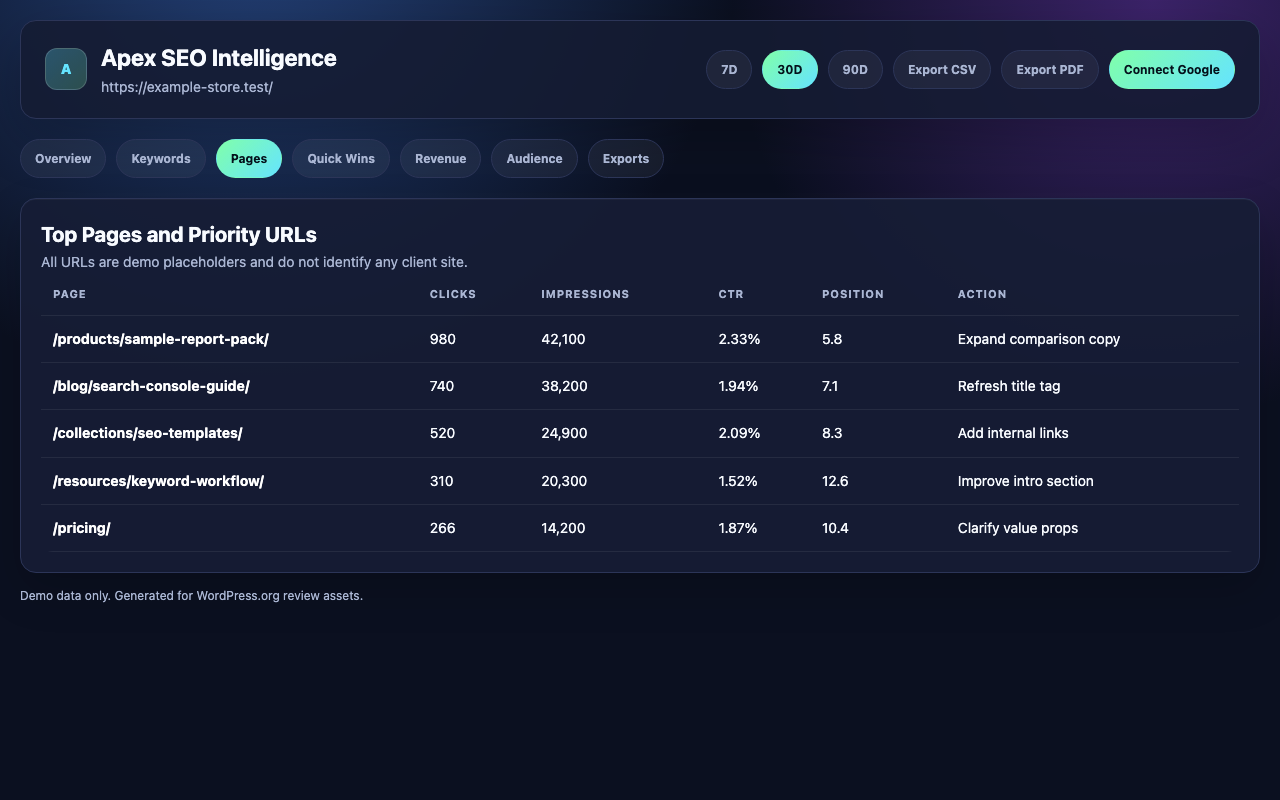
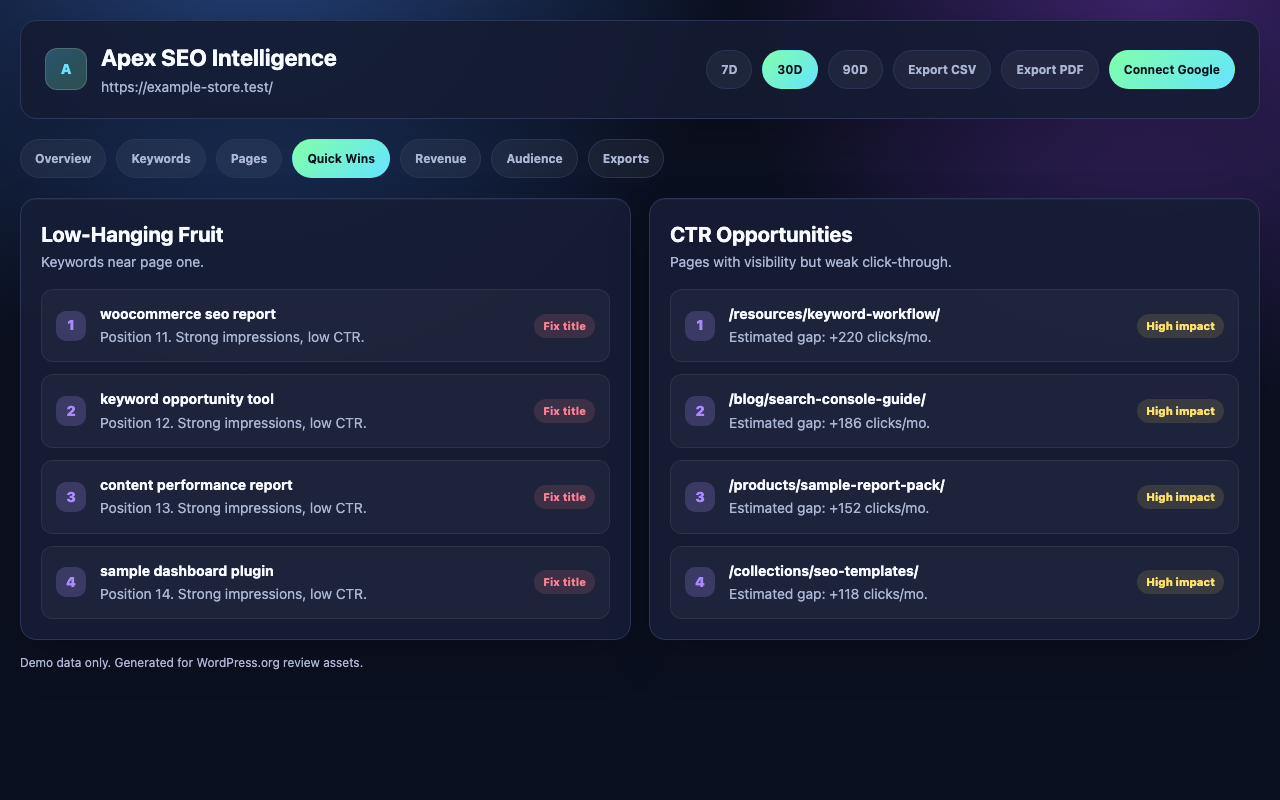
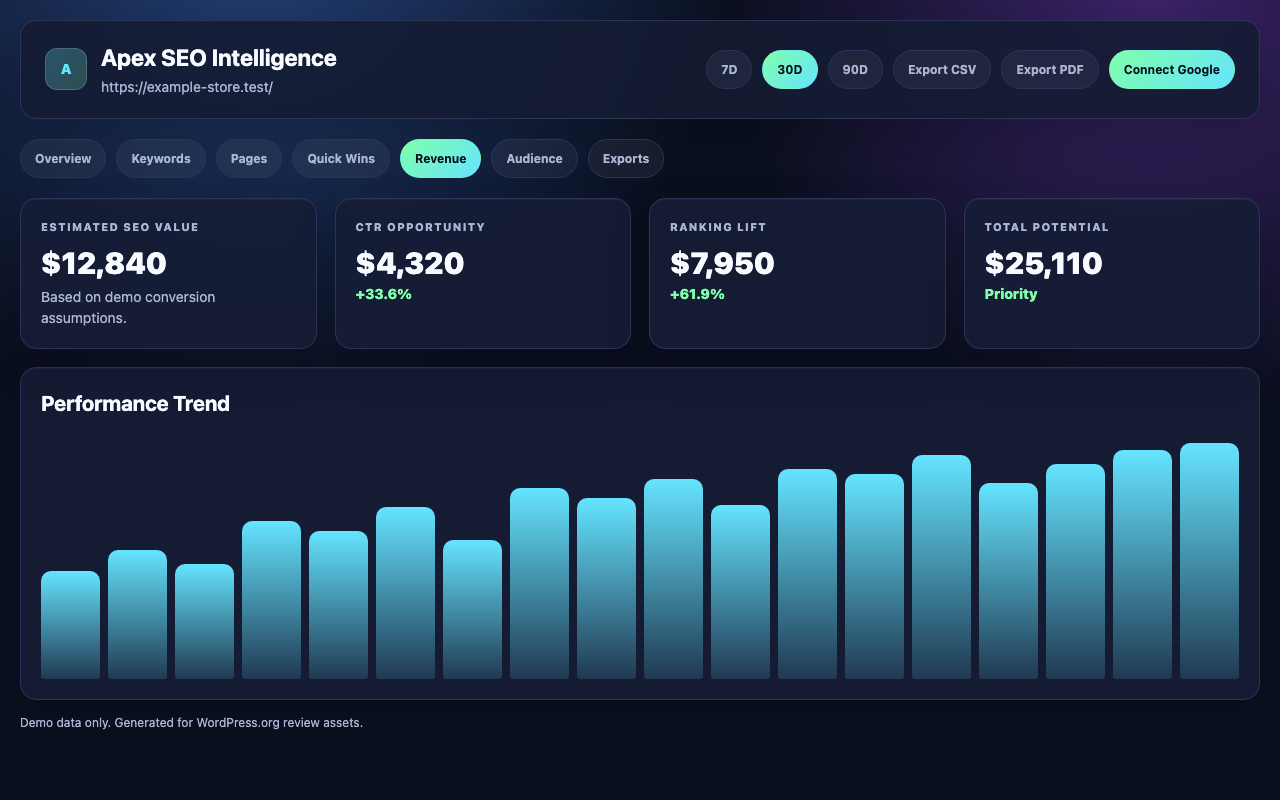
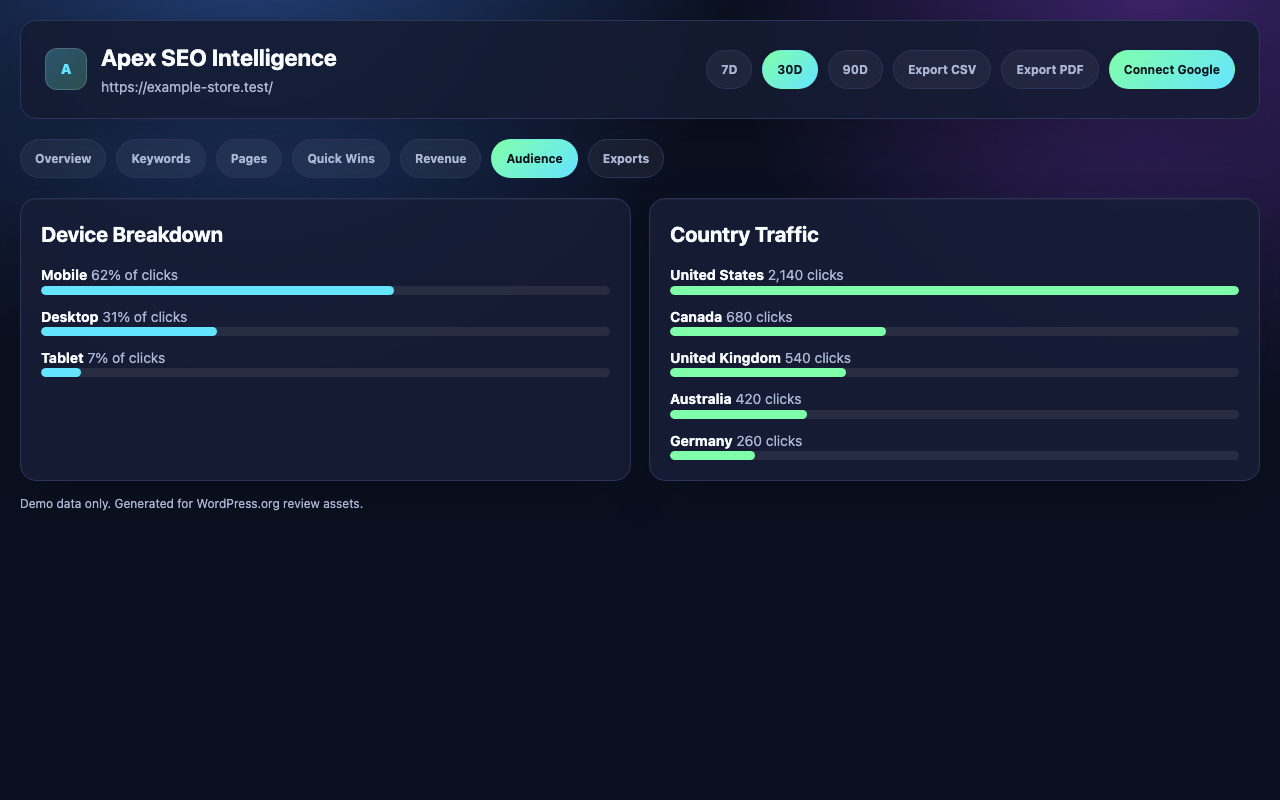
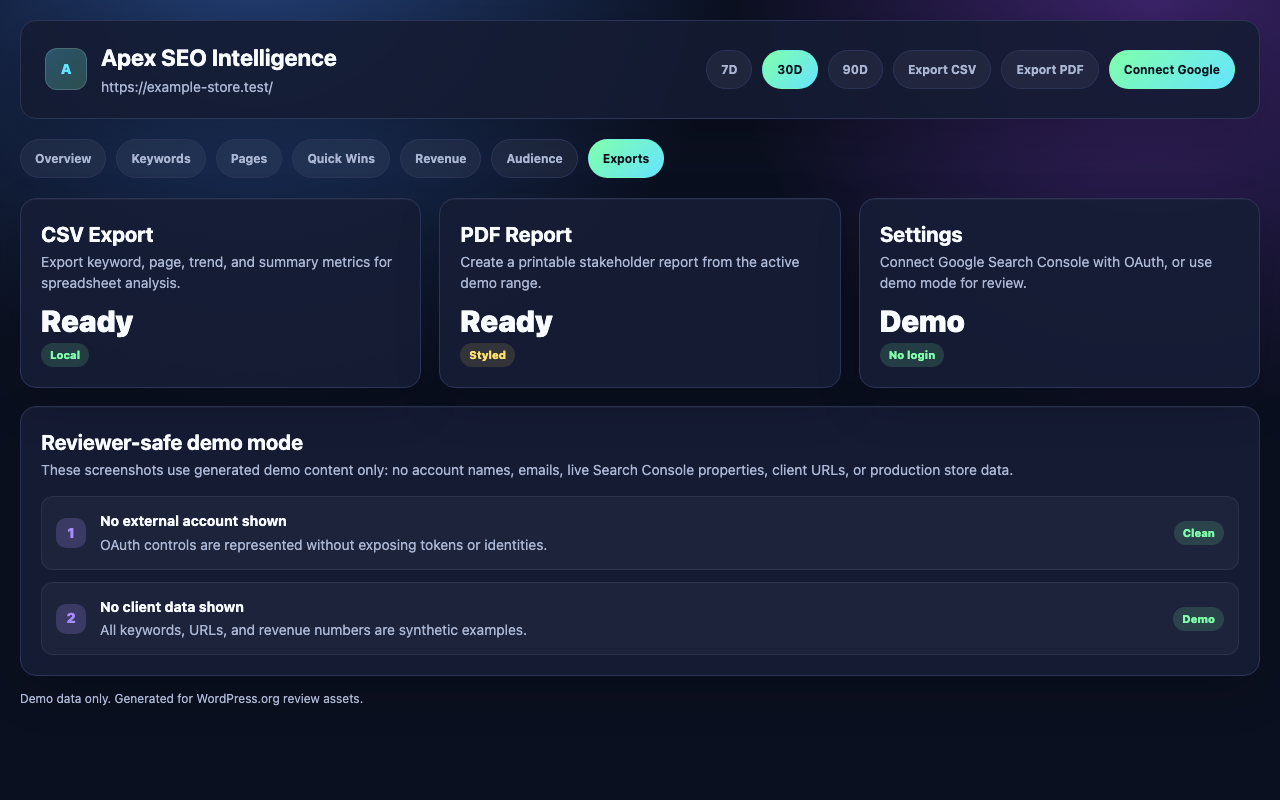
The user clicks Connect Google inside the Apex SEO Intelligence admin page. WordPress sends the user to the dedicated broker start route.
Google asks the user to approve read-only Search Console access for the selected account.
The broker receives the OAuth callback, exchanges the code, and creates a short-lived pickup token.
WordPress exchanges the pickup token, stores the refresh token locally, and uses refresh requests to load Search Console metrics.
Production OAuth broker: Apex Digital OAuth service. Callback path: /oauth/callback.
The plugin requests Search Console read access so it can display performance reports. It does not modify Search Console data.
Refresh tokens are stored in the WordPress database for the connected site and can be cleared with Disconnect.
Apex SEO Intelligence uses its own OAuth client and broker path. It is isolated from other Apex Digital credentials, redirects, and domains.
The reviewer demo does not use Google authentication and does not collect reviewer credentials.
Installation, setup, dashboard overview, exports, and troubleshooting.
Email: support@apexdigital.design